









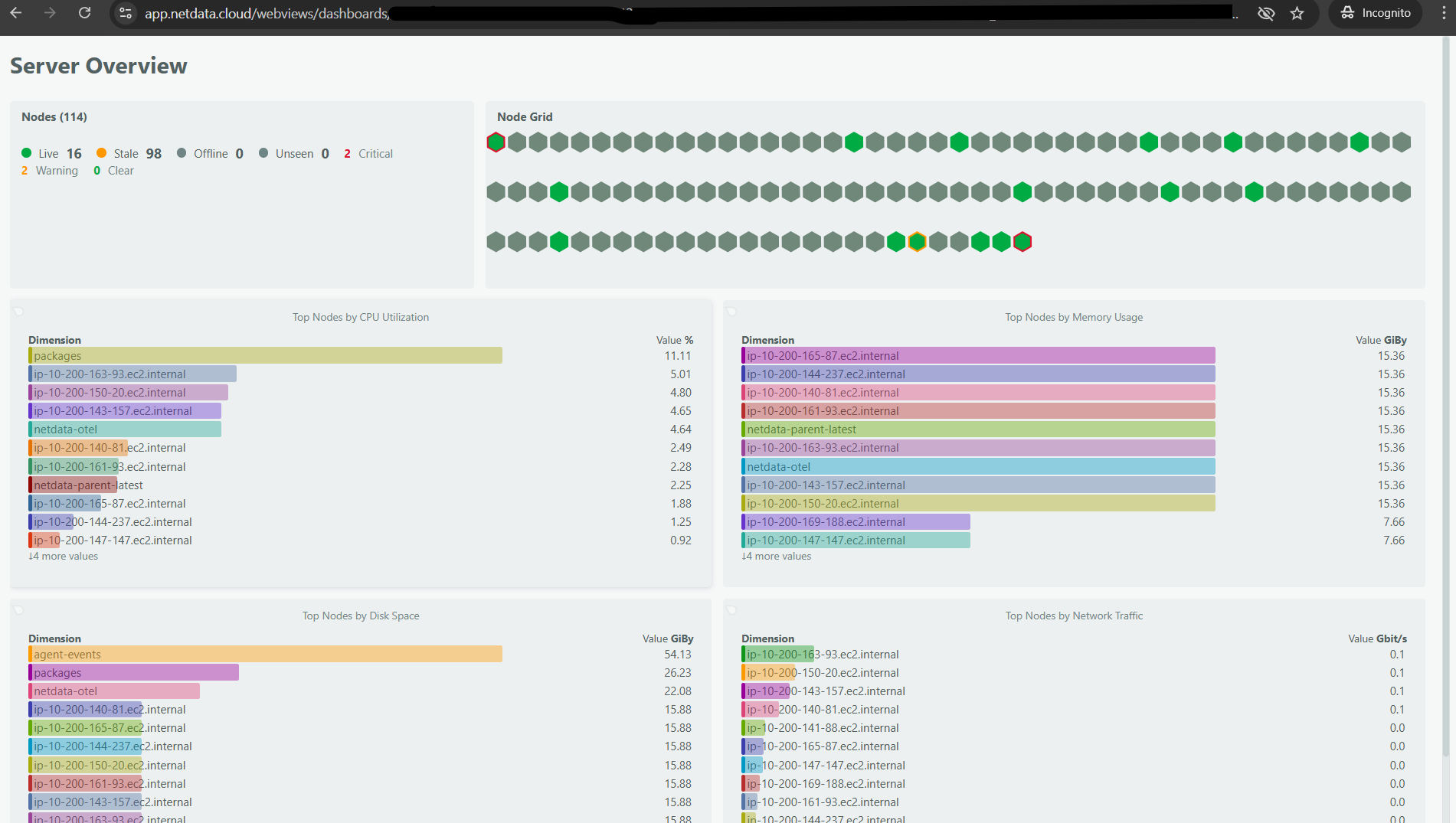
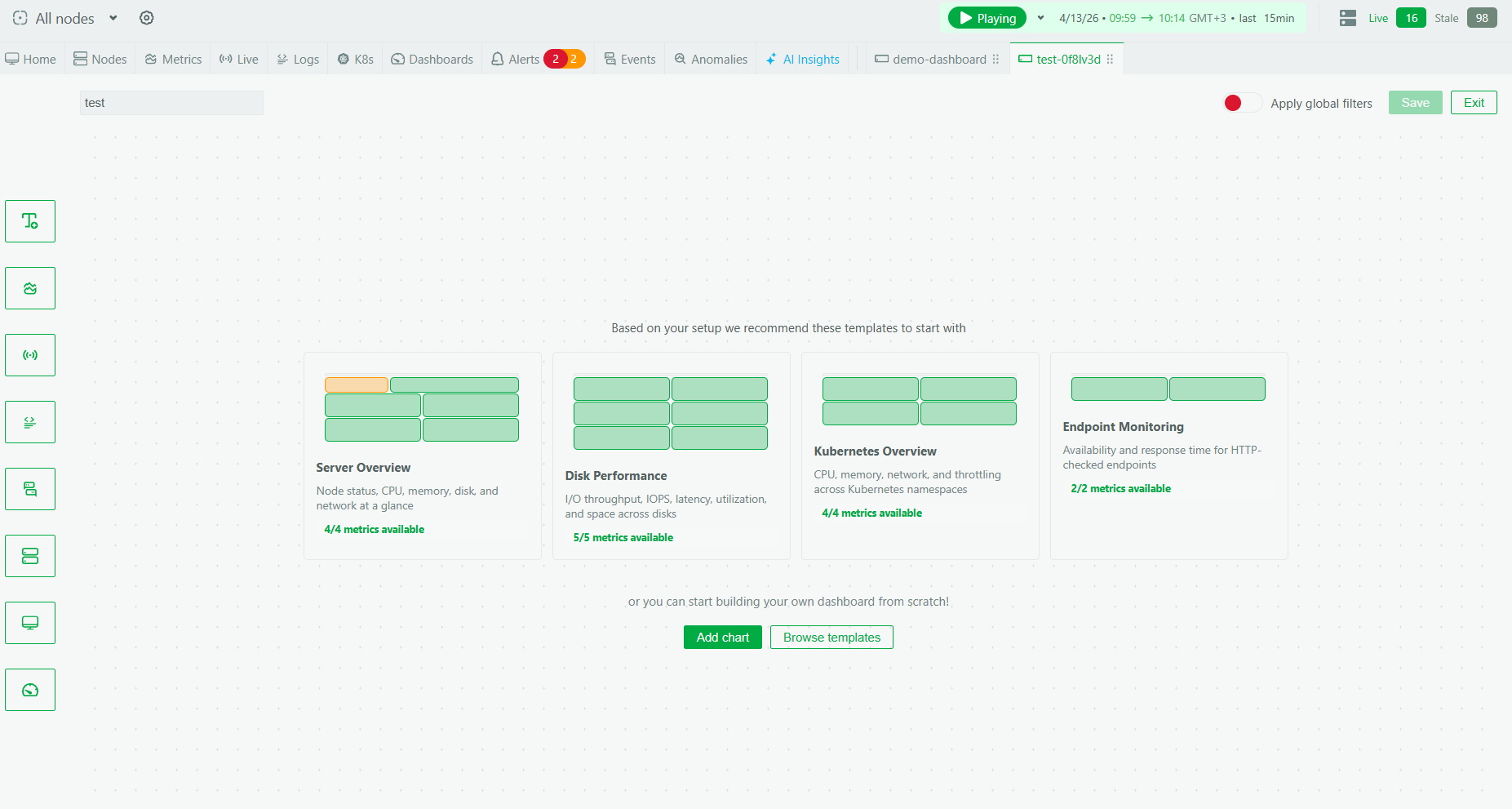
One of the most common requests we’ve gotten since launching custom dashboards is deceptively simple: “How do I put this on a TV?” Teams want their dashboards on wall-mounted screens in NOCs, war rooms, and open office spaces. The dashboard is already built. The data is already there. They just need a way to display it on a screen that nobody is logged into, without exposing the full Netdata Cloud interface.
TV mode does exactly this. You can now generate a secure URL for any custom dashboard that renders a clean, read-only view of that dashboard. It works in any browser, including incognito windows and machines where nobody is signed into Netdata Cloud.
How it works
From any custom dashboard, you’ll find a new option to enable TV mode. Click it, and Netdata generates a unique URL with an embedded access token.
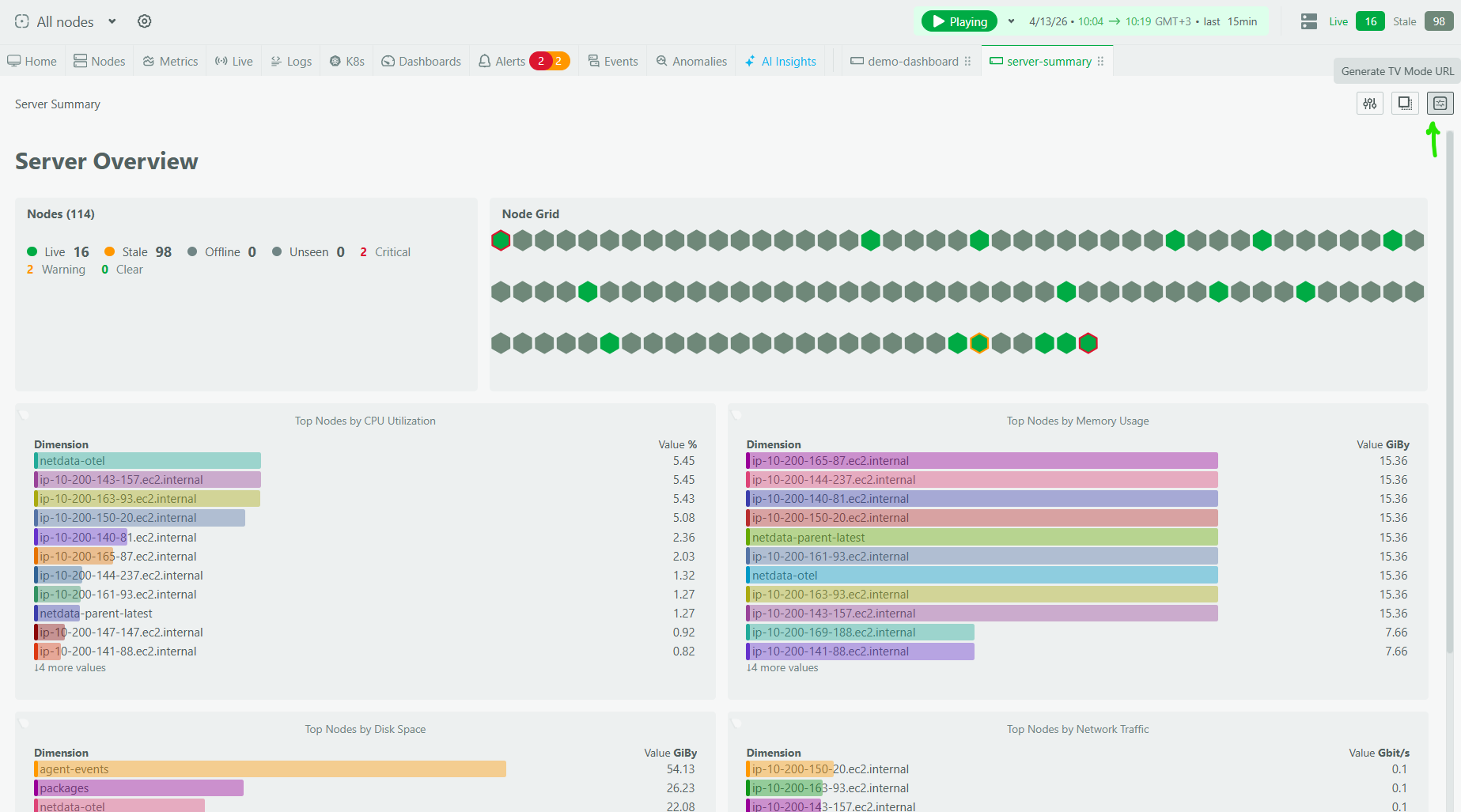
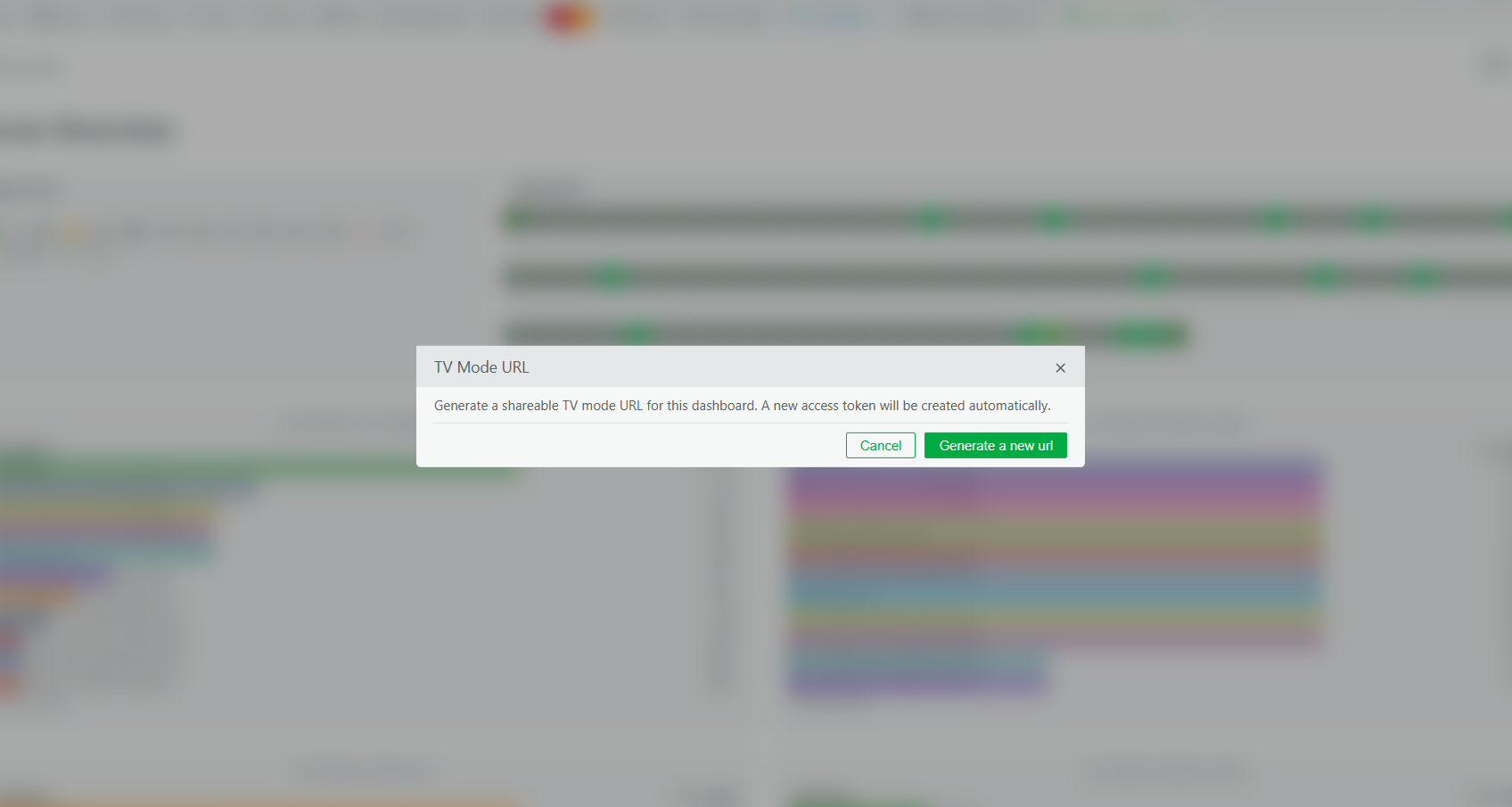
Open that URL on your wall-mounted display, a spare laptop, a Raspberry Pi hooked up to a monitor, whatever you use. The dashboard renders in a stripped-down view that preserves the full layout, widget configuration, and time window, but removes all the editing controls and navigation chrome. It’s just your data, full screen.

The URL contains a unique access token, so treat it the way you’d treat any shared credential. Share it with trusted users and keep it off public channels. Anyone with the URL can view the dashboard without authenticating, which is the whole point for display screens, but also means you should be thoughtful about where you post it.
Where this fits
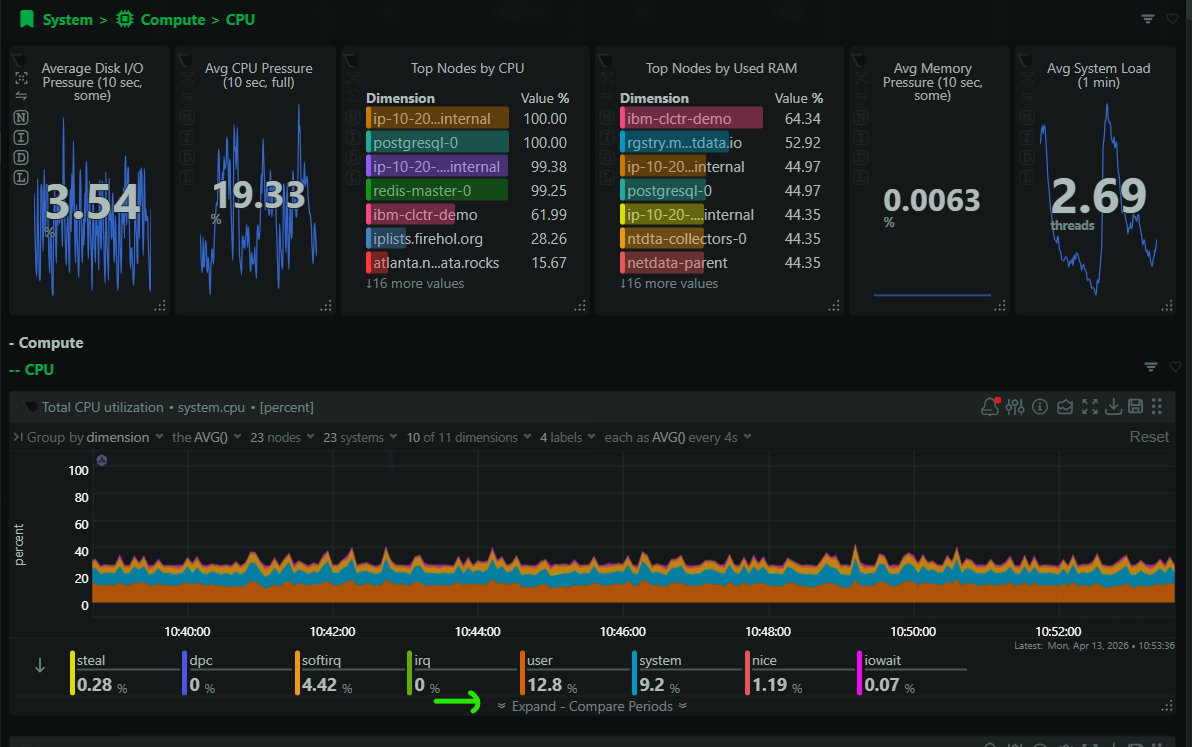
If you’ve just built a custom dashboard with the new builder (metrics, live function outputs, logs, summary cards), TV mode is how you get that view onto the screens where your team can see it continuously. NOC operators get a persistent view of infrastructure health. On-call teams get a war room display during incidents. Engineering leads get a service health overview on the office wall.
This feature is available now for all users.